MassMutual is a Bring Your Own Device (BYOD) organization, giving you the freedom to use any device that meets MassMutual’s hardware & software requirements.
A full list of updated requirements can be found here: MassMutual Technology Standards and Accessibility (requires MassMutual sign-in)
Apple Mac Laptops & Desktops Requirements
Operating System | macOS Tahoe 26.2+ macOS Big Sur 15.7.3+* | 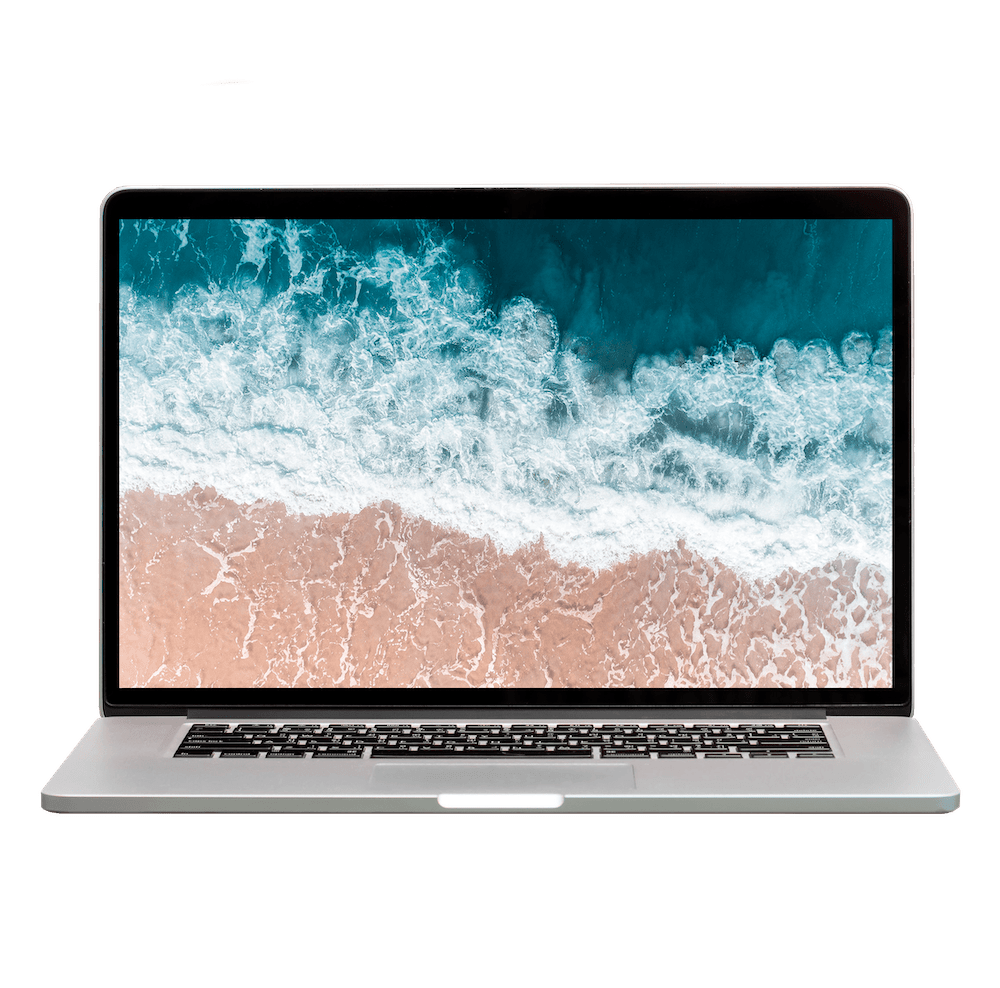 |
Processor | Apple Silicon (M1-M5) chip recommended, or Intel Core i5+ | |
Memory | 16GB+ RAM | |
Storage | 256GB+ Solid State Drive | |
Encryption | FileVault - built-in to MacOS | |
Software | Workspace ONE, Crowdstrike, Microsoft Office (provided by MassMutual) |
* Operating system version requirements are subject to change as newer versions are released
Is my device compatible?
You can check your device specifications by clicking the Apple menu icon in the top left and select About This Mac.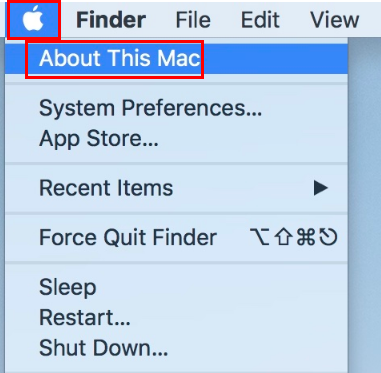
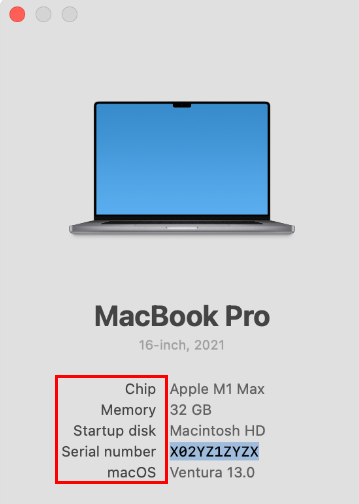
What if my device operating system is below the required version?
Most Macs purchased within the last 3 years can be upgraded to the latest operating system via the Apple menu.
See instructions from Apple here: Update macOS on Mac
Was this article helpful?
That’s Great!
Thank you for your feedback
Sorry! We couldn't be helpful
Thank you for your feedback
Feedback sent
We appreciate your effort and will try to fix the article